
Riding Display - What is it?
Mit der FW 4.4.3.4 vom 7. Feb. 2024 wurde gleichzeitig eine neue Version der Omni App (iOS = 4.0.0 (2833)) ausgeliefert, welche die neue Funktion ‚RIDING DISPLAY’ enthält.
It transfers the essential parts of the driving parameters from the Omni to the Mobile.
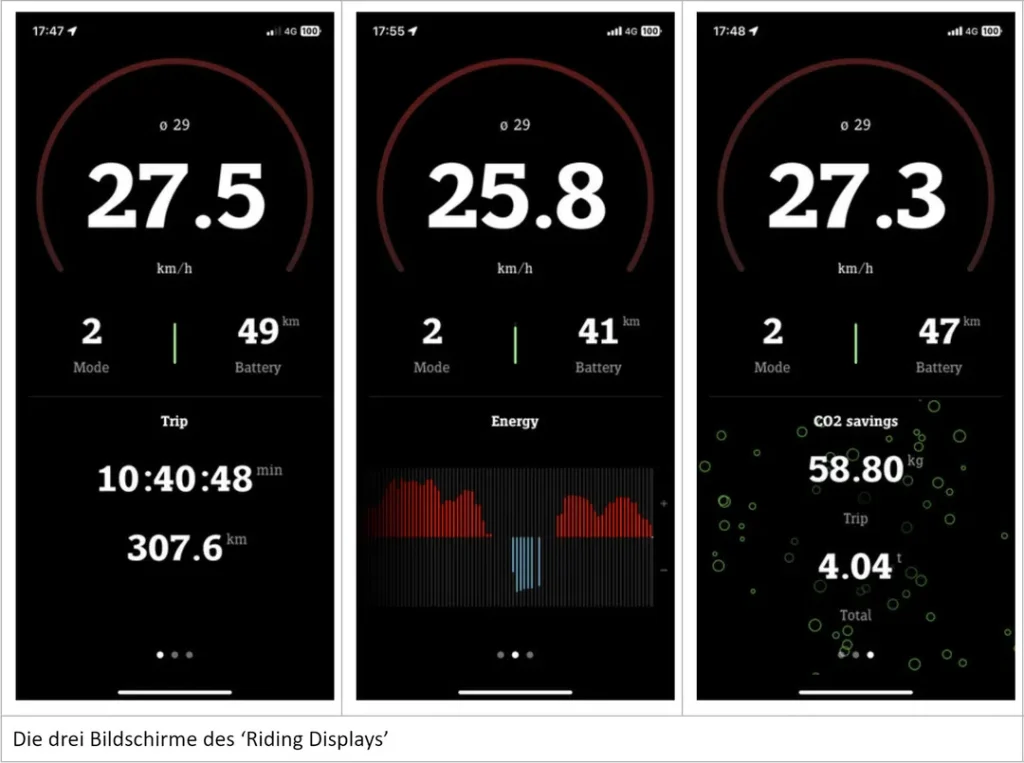
Furnishings
Siehe die Installationsanleitung / FAQ / Problemlösung der myStromer AG (EN / EN)
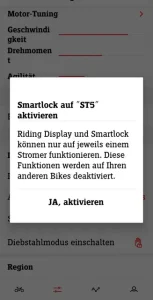
The setup is done in a few steps. This is briefly explained on the start page of the Omni under 'Further information'. To be able to use Smartlock and the Riding Display together, an existing connection with 'Smartlock' or 'Helmet' (in the Omni under Menu > Bluetooth) must be disconnected from the Bluetooth connection. You will be asked whether you want to activate the 'Omni App' option. Only when the classic way (Omni > Menu > Bluetooth > Smart Lock) has been deactivated, the smartphone can be re-paired with Bluetooth (Omni > Menu > Bluetooth > Omni App). If this is successful, the 'Riding Display' and 'Smartlock' can then be activated and used in the 'Omni App' under 'Configuration'.
Um das Riding Display anzuzeigen, muss man in der Omni App noch auf ‚Riding Display‘ tippen. Danach erscheint es in der Omni App.
Riding display and SmartLock
Mit Verwendung des Riding Display wird ebenfalls die Funktion ‚Smart Lock‘ in die Omni-App integriert und kann dort unter Konfiguration in drei Schritten bezüglich dee Empfindlichkeit eingestellt werden. Die klassische Version ‚Smart Lock‘ im Omni ist feiner abegstuft und hat 10 Stufen.
Bluetooth display
Beim klassischen Smart Lock wird im Omni, sowie der Omni-App das BT-Symbol angezeigt und im Smartphone unter Bluetooth der Stromer als ‚verbunden‘ angezeigt.
Experience (as of 1/2025)
Bei mir ging die Einrichtung (iPhone 15 Pro May) problemlos, die Verbindung mit Bluetooth ist allerdings instabil und das Riding Display in der Praxis so nicht brauchbar. Ich bin scheinbar not alone.
Experience (as at 3/2025)
Mit dem Firware Update 4.5.0.3 (05-03-2025) funktioniert bei mir Smart Lock über den Weg des Riding Display nicht mehr.
Note
See also PROBLEME - SMART LOCK - 'What is Smart Lock'