
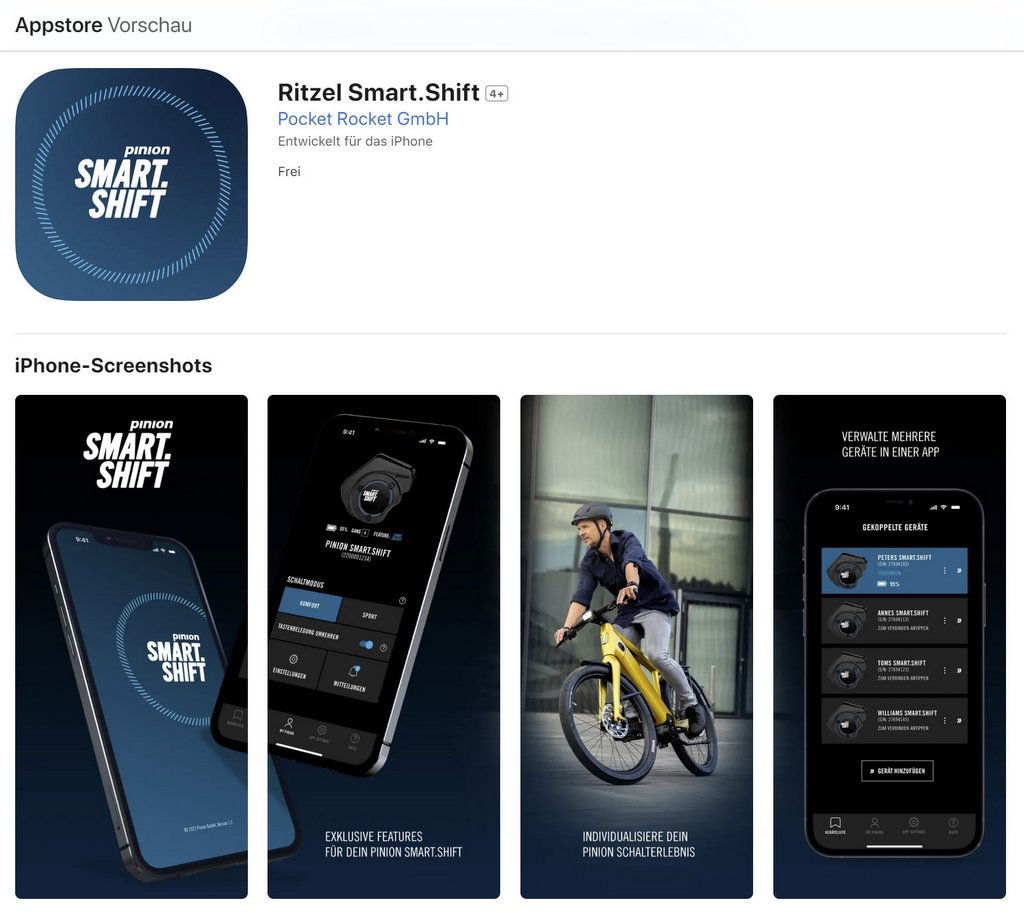
Pinion offers the following app in the Apple AppStore Pinion Smart.Shift which enables a few service functions of the Smart.Shift with the smartphone.
Pinion writes:
Improve your Pinion shifting experience with additional functions with the Smart.Shift app! Connect your Pinion Smart.Shift components with this app and use all the functions. Adapt the shifting behavior to your riding profile and use the full range of functions of Pinion Smart Shift technology:
- See the charge status of your Smart.Shift gearshift at a glance
- Customize the button assignment of the TE1 E-Trigger to your needs
- Take advantage of Start.Select and define your starting gear
- Stay up to date and benefit from important software updates and notifications
- Use our service tools for permanently reliable functions.
Does the app work with the Stromer?
The ST5 Pinion and ST7 models use the Pinion C1.9 and C1.12 gearbox with Smart.Shift, respectively. Pinion offers the „Pinion Smart.Shift“ app for configuring the gears.
Does this also work with a Stromer? The stromerforum.ch user 'Dbr1958‚Inquired at Pinion in May 2024 and received the following answer.
Hello, I have an ST7 with Pinion Smart.Shift.
I directly asked Pinion if the Pinion app can be used with a Stromer. Unfortunately, it can't. Only the functions from the Omni (setting the starting gear, shifting up/down) can be configured with the Omni. You cannot connect the Stromer to the Pinion app.
Greetings Danny
Stromer Firmware Update SUI 4.5.2.5 May 5, 2026
Pinion Smart.Shift – Auto Shift Pro
- New firmware «V 1.18.0» for Pinion Smart.Shift. The firmware update will be installed if necessary after confirmation.
- The new fully automatic «Auto Shift Pro» mode is being introduced. In this mode, the system automatically shifts gears based on the set target cadence, even while pedaling.
- Important: Auto Shift Pro requires the latest generation of Pinion Smart.Shift hardware (gearbox with new shifting mechanism and Smart.Shift Box SB4). The function will only be displayed on compatible vehicles and cannot be activated via software on vehicles with the previous hardware generation.
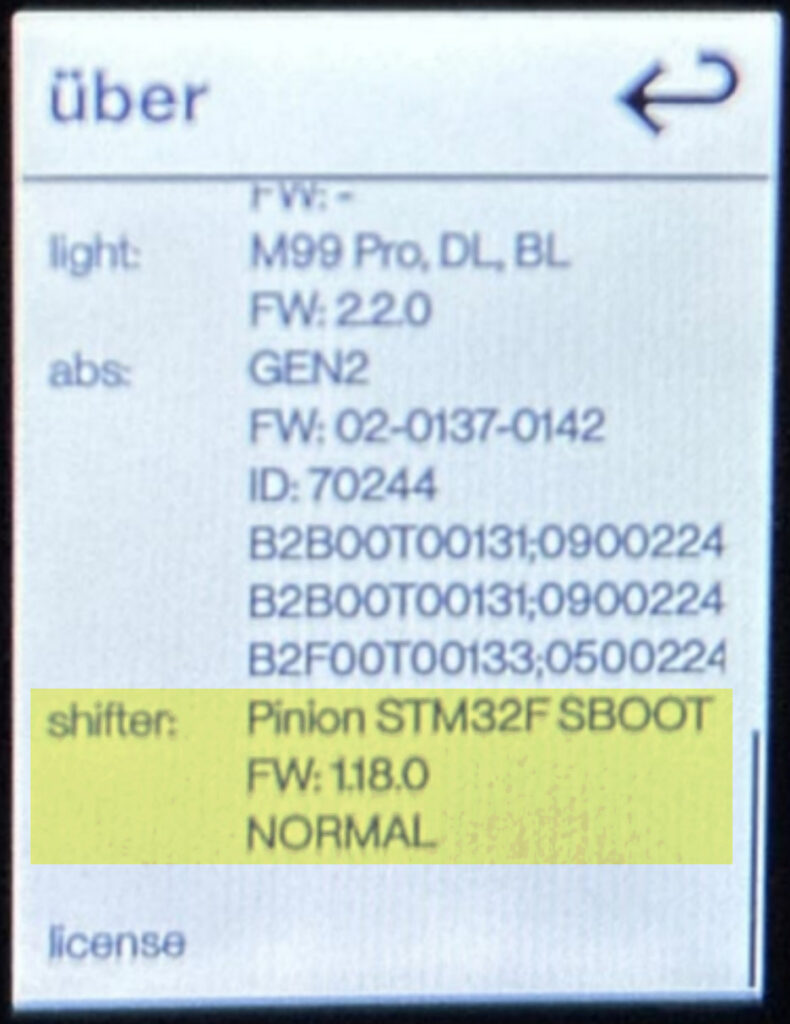
- Check compatibilityIn «MENU → SYSTEM → ABOUT», for compatible vehicles, the entry «S_UMK_C (Auto.Shift)» is displayed in the «shifter» section.
- On and off by pressing and holding the upper switch; the changeover is confirmed by the message «AUTO.SHIFT.PRO ON/OFF» in the display
- Auto Shift Pro overrides other automatic modes (e.g. Pre.Select) and considers the starting gear configured in «Start.Select»
- Manual shifting is always possible. The newly selected cadence is directly adopted as the new target cadence and briefly displayed in the gear display.
If Pinion STM32F SBOOST is displayed, the gearbox is not compatible.
Improved Smart.Shift settings for clearer configuration of starting gear and target chainring