
Before the Omni SW 2014 was released, Stromer used an LCD display on the handlebars for ride management. There are two display versions: the V1 and the V1.1.
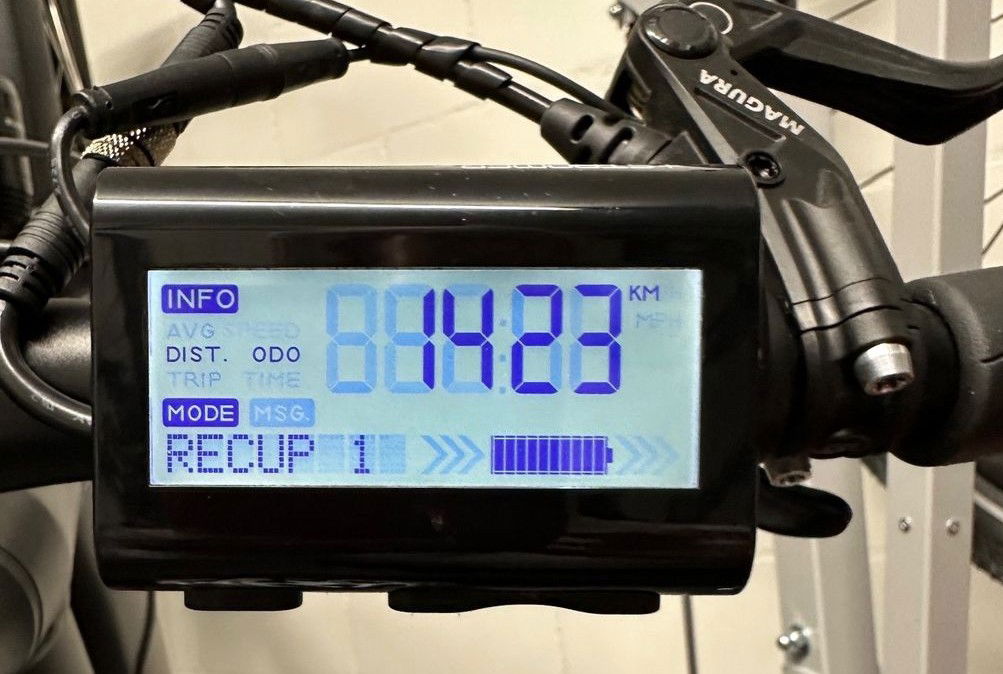
Operating instructions
The multilingual operating instructions can be downloaded from the myStromer AG website. here can be downloaded.
PIN code
The factory-set locking code is 1234, but it can also be different (e.g. for used cars) as it can be changed individually (see operating instructions p. 10).
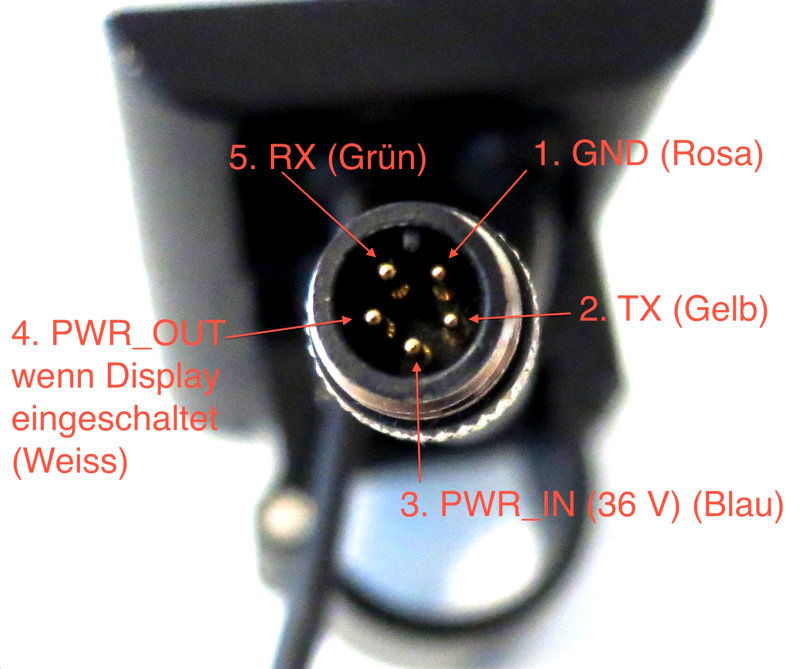
Pin assignment
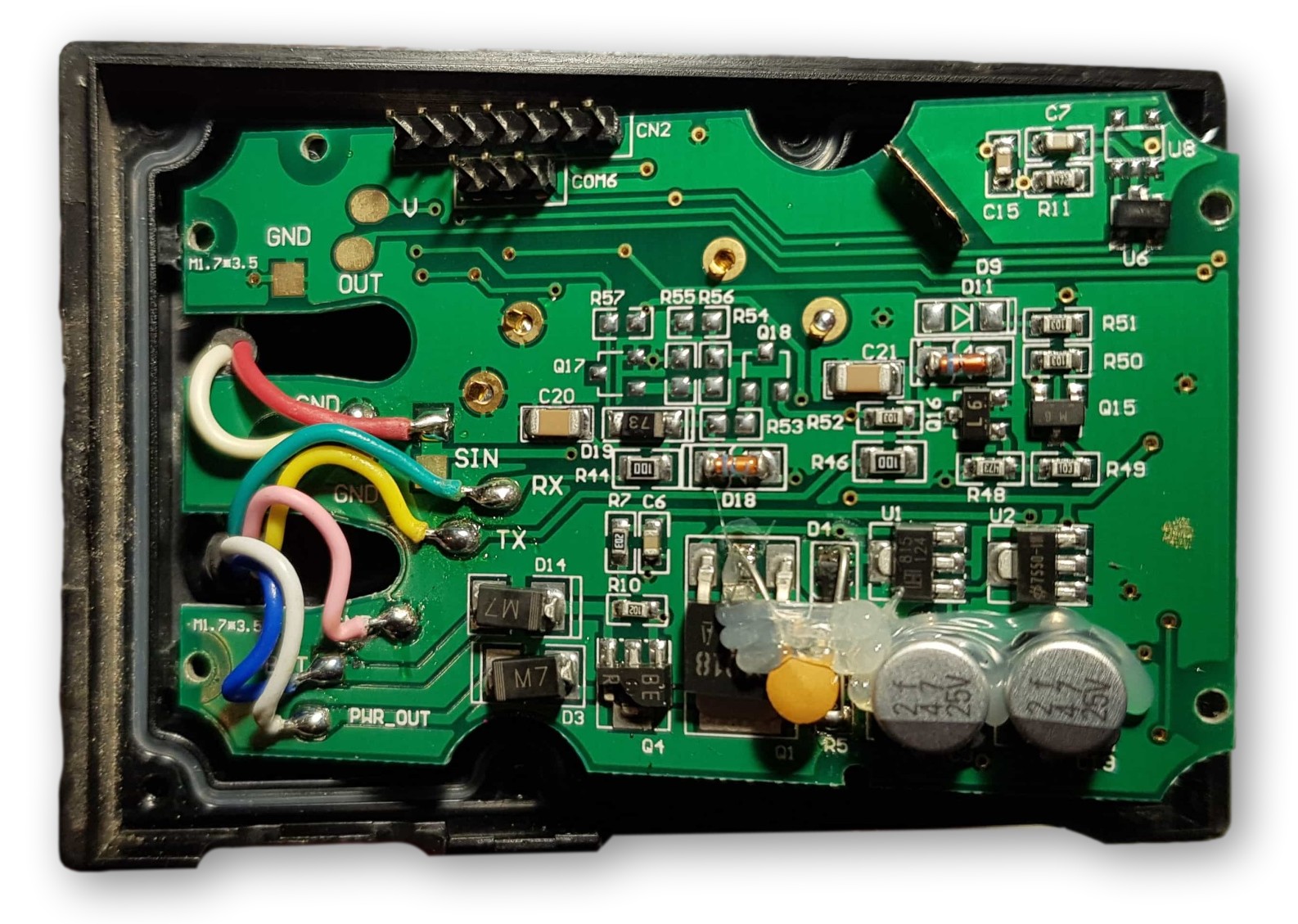
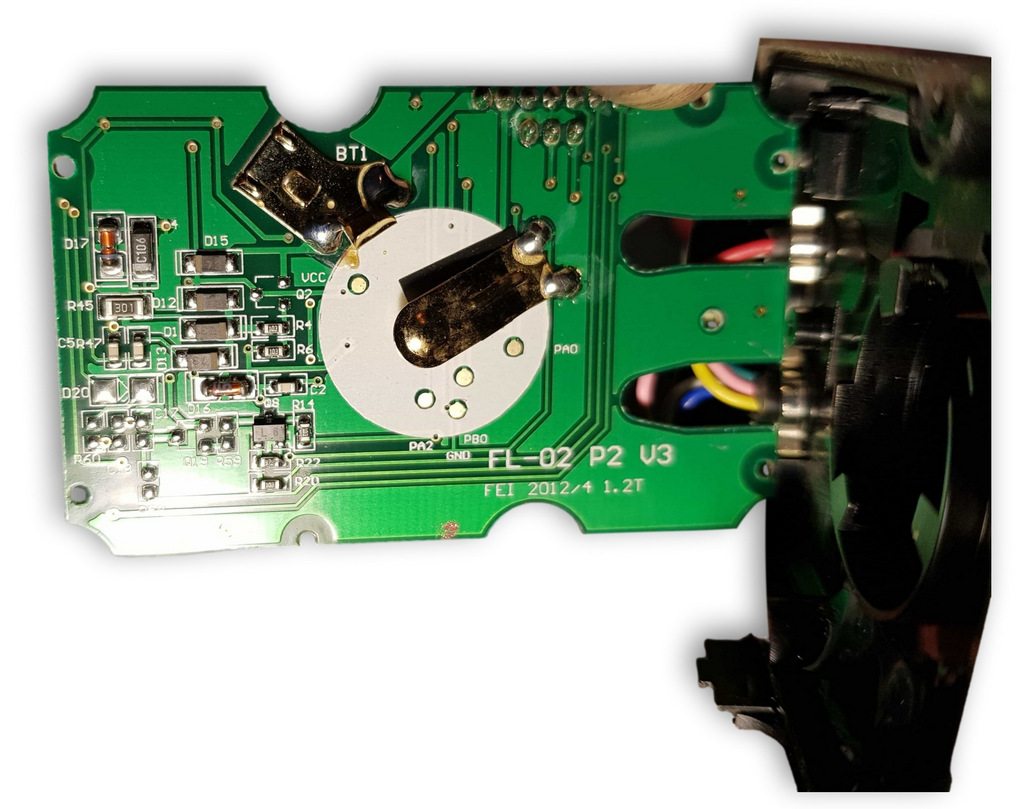
The Dipsplay has two connection cables with plugs:
Processor / Communication / FW updates
- The display uses a Infinion XC886/888CLM 8-bit single chip microcontroller.
- Communication with the display is via UART Rx/Tx. Signal processing of the Hall sensors and the temperature sensor is done directly in the controller. The necessary information exchange with the display takes place via this interface.
- New firmware must be loaded manually via the UART connection.
Display codes
The basic settings (time, password, sensor sensitivity, etc.) on the display are not as user-friendly to adjust as on the Omni. They are accessed via so-called codes.
In the Code table you will find a list of all the codes I know.